Resilience Resources
POSITIVE LIFE SKILLS -
TOOLS FOR CONFLICT
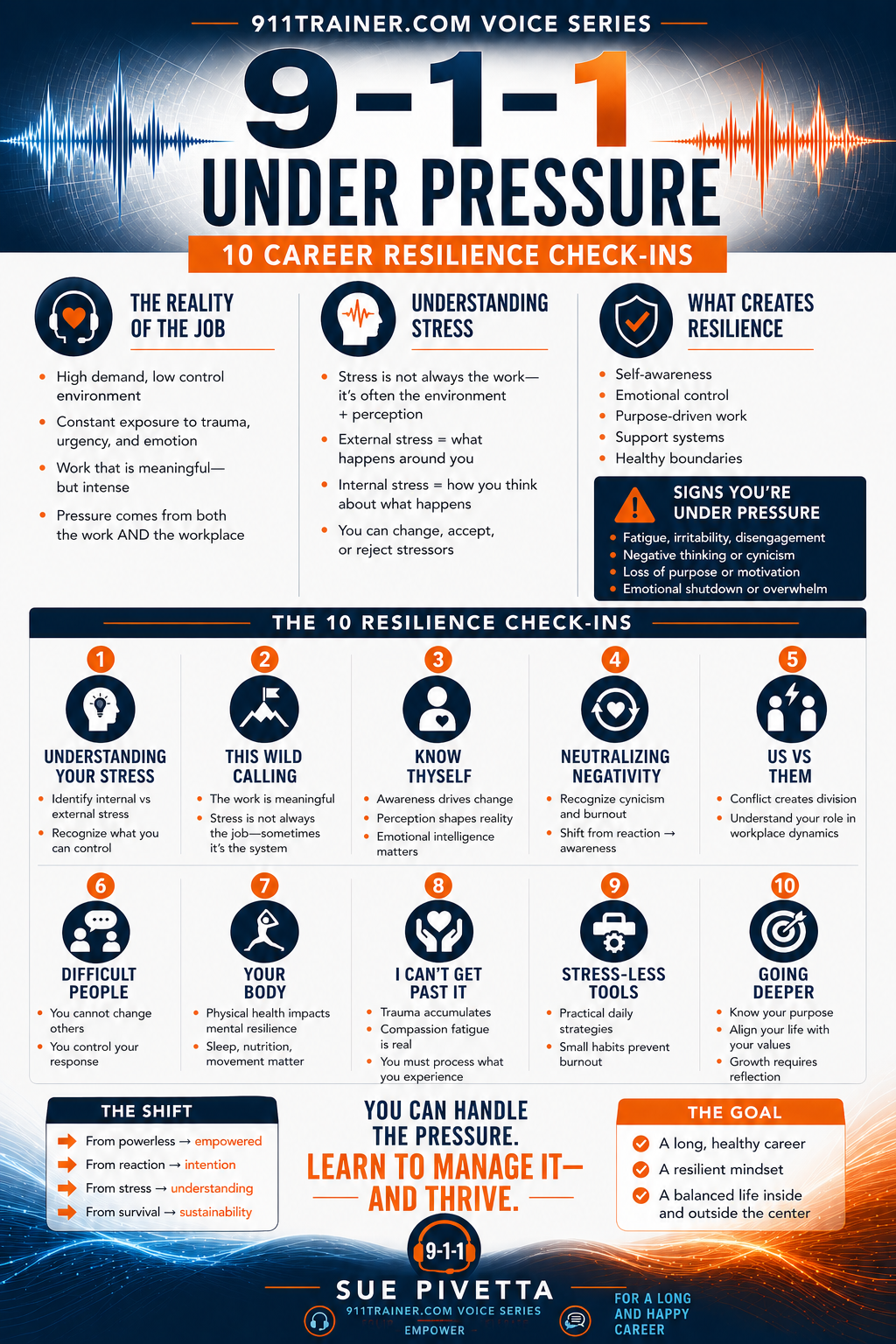
These resources recognize that the word stress is overused and misunderstood. Our approach is
to provide personal introspection tools for a long and lasting 9-1-1 career.
WHY RESILIENCE BOOKS MATTER
Books for Emergency Communications Professionals
Written by Sue Pivetta, former communications center supervisor, college educator, consultant, mediator, and public safety professional.
These books explore:
- The realities of working in emergency communications
- How to enjoy your professional life more
- Balancing the demands of work, family, health, and leadership
- Understanding the difference between normal stress and toxic stress
- Managing both external and internal stressors
- Finding perspective, resilience, and personal growth

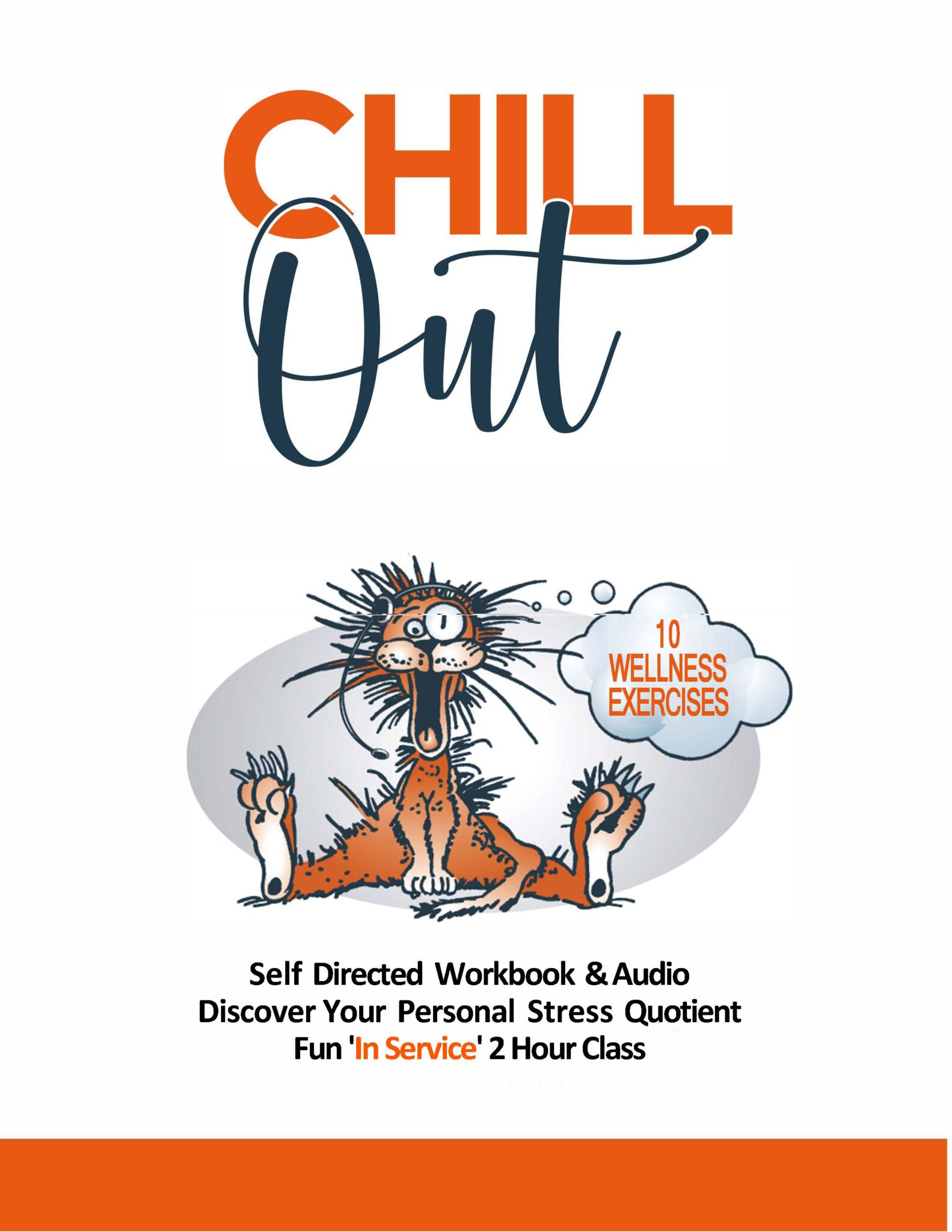
EXPLORE PERSONAL SURVEY TOOLS

Why Choose Our RESILIENCY Resources
Written by someone who has ‘been there, done that’ and experienced a lifetime of leadership
and life long being human learning.

We Approach The Reality Of Your Pressures
Negativity, gossip, toxic others? These won’t disappear, they will however become less personal.

We Are All In This Together
Caring and Sharing
We are all ‘angels with one wing, we need each other to fly.’ Great for team building.

It's All About You and Yours and A Better Future
We don’t claim to have the answers, you do. We just ask the deep questions for you.
Simulator Q&A
Whether you’re exploring how our simulators integrate with your systems or wondering about setup and security, we’ve got the answers. Our goal? Make sure you’re fully informed, comfortable, and ready to take your training to the next level.
Still Have Questions? Let’s Talk!
Contact us to speak with a product expert or request a quote.
Does the simulator have security, does it go online?
The simulator has a router with security. The only reason to go online is for mapping. None of the stations use wifi as they are hardwired stand alone systems.
Can we use our own computers and just load the software?
No – short answer. The 9-1-1 Reality Simulator software is customized, configured and thoroughly tested prior to delivery. Imagine the Windows and Network settings needed to allow the complex system of multiple phone lines, multiple radio channels, recording studio, sound effects, text to 9-1-1 and the list goes on. We also use the latest state of the art equipment with the exact requirements we need.
Do you come out and set them up?
No, and Yes. Not required, not needed, but yes we can assist in the installation in the event you have multiple students. Most agencies appreciate the ability for ‘plug and train’ setup on their own timing and personnel. You have very clear setup videos and 100% phone or online support. The router is pre-programmed with security whitelisted only for mapping.
Can the stations work with our CAD program?
Common question. A coalition of 9-1-1 professional trainers and educators designed the CAD card on the simulator. We recognized there are many CAD systems, yet we created an entry common muscle memory using a ‘training CAD’. Using this simplified CAD card does wonders introducing and understanding a more complex CAD system.
Can we use our own headsets for the stations?
Sure. Our headsets are pretty amazing though.
What does the warranty cover?
The warranty is for the equipment; computer, monitors and accessories. The software is warranted for the life of the computer.
Is there a yearly fee for upkeep and do I have to pay for upgrades?
No fees at all, you own this great hard working reliable training tool. We have systems still working for the last fifteen years. If we have a required ‘update’, such as some nasty change in Windows, we can work on your station remote. If we have a significant ‘upgrade’, we will offer this to you for minimal cost. Upgrades are never required.
Can we purchase the simulator using our own monitors or headsets?
Customer-supplied displays, audio devices, or other hardware are not included in the supported system configuration and are not covered under warranty. Customers may elect to connect additional peripheral equipment after installation; however, the performance, compatibility, and supportability of third-party hardware remain the responsibility of the customer and may not be covered under our technical support or warranty programs. While customers are free to connect additional displays, headsets, or other peripheral devices after installation, our warranty and technical support apply only to the simulator as originally configured and delivered. We cannot guarantee the performance or compatibility of customer-supplied hardware.